INSCYD Personalized Dashboard: One Screen. Everything That Matters.
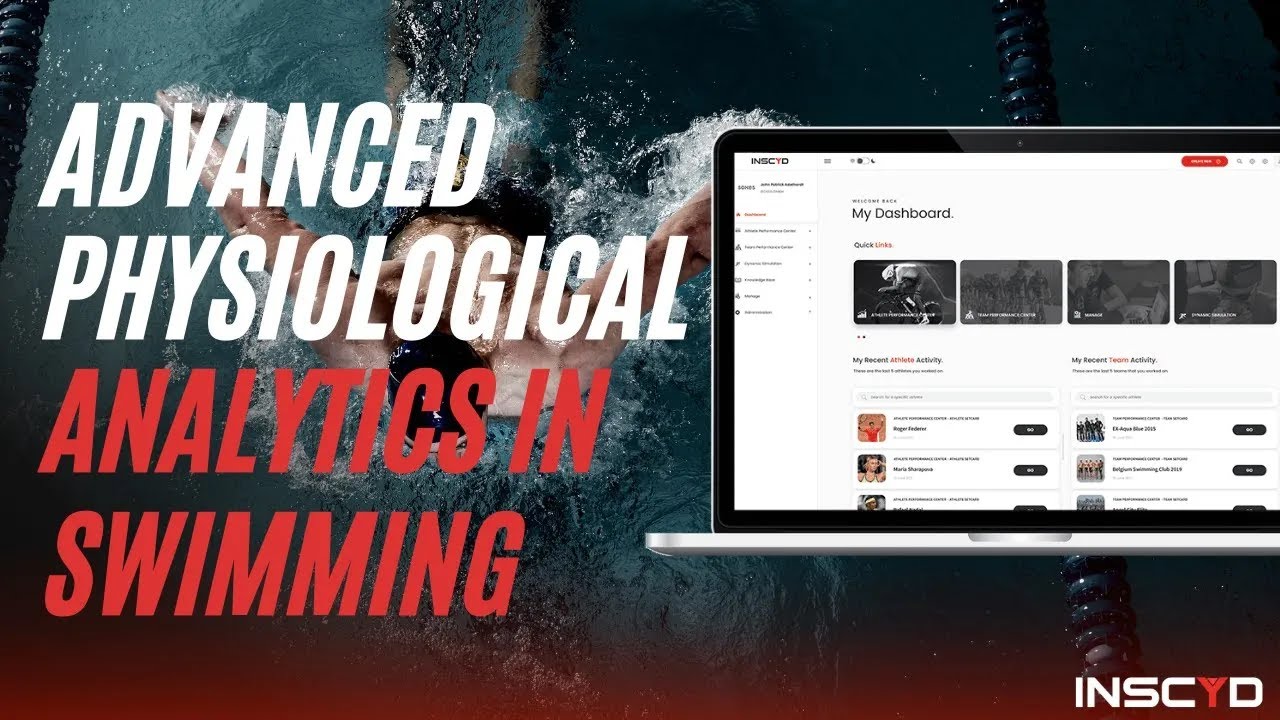
INSCYD's new Personalized Dashboard puts everything that matters on one screen, customizable, drag-and-drop, built around how you actually coach. Part of the Easter 2026 release, the new dashboard replaces the static home screen with a fully customizable workspace.
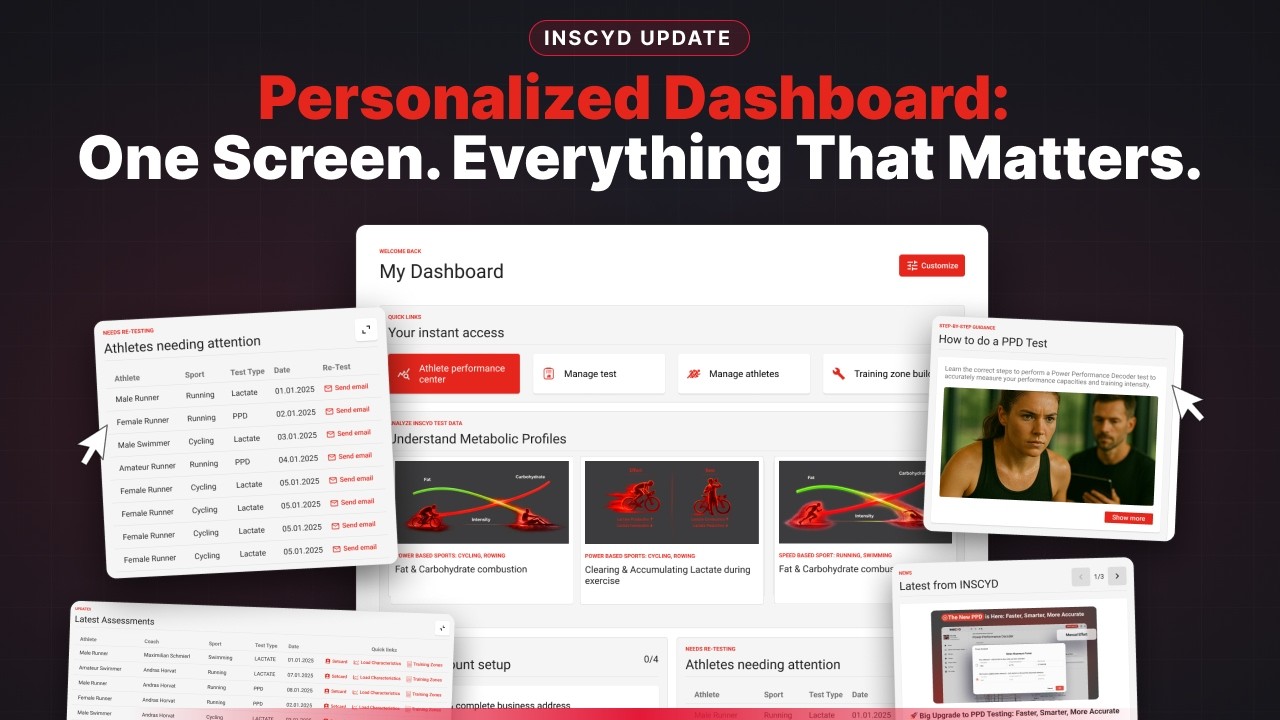

INSCYD's new Personalized Dashboard puts everything that matters on one screen — customizable, drag-and-drop, built around how you actually coach.
Part of the Easter 2026 release, the new dashboard replaces the static home screen with a fully customizable workspace. Choose your widgets, arrange them how you want, and get faster access to athlete data, education, and platform updates.
Here's what you can do with it:
FASTER & EASIER NAVIGATION
- Jump to your latest test results instantly — across your entire organization
- Fast-track to Training Zones, Load Characteristics, and Athlete Setcard with quick links
- See which athletes need retesting — and send a pre-built retesting email right from the widget
- Guided checklist to complete your account setup and fully utilize INSCYD
DATA INTERPRETATION & LEARNING
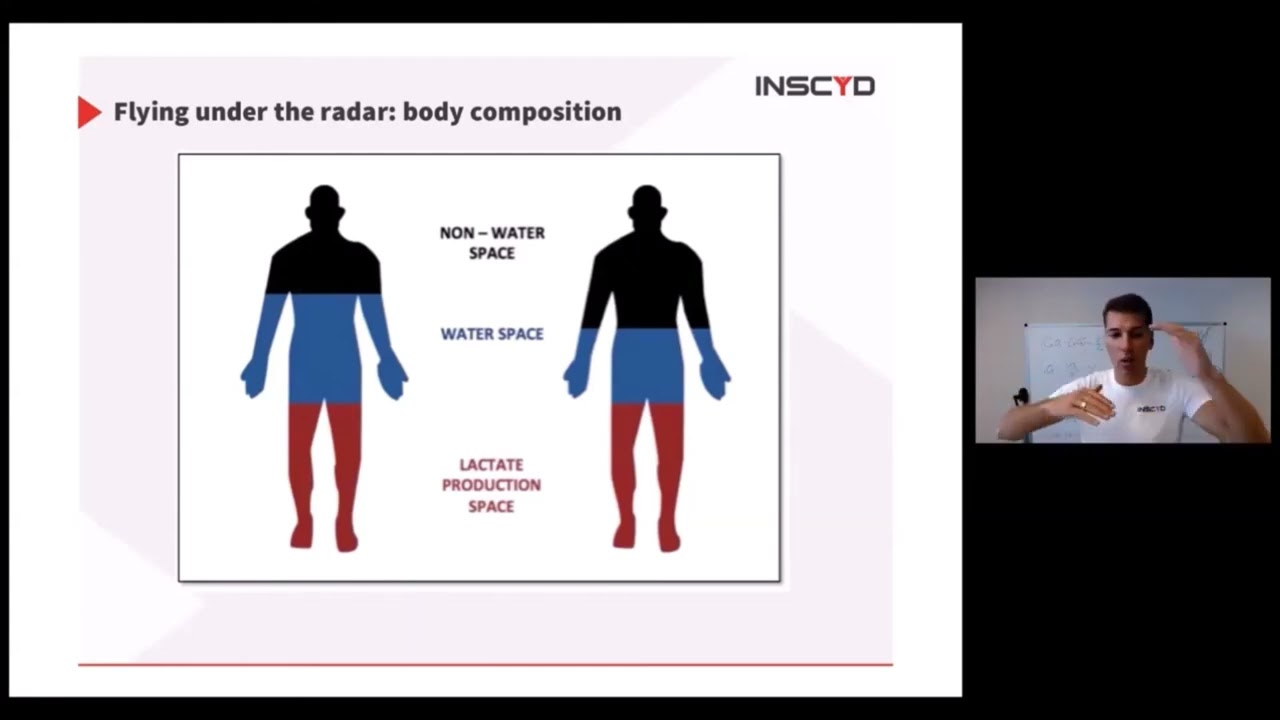
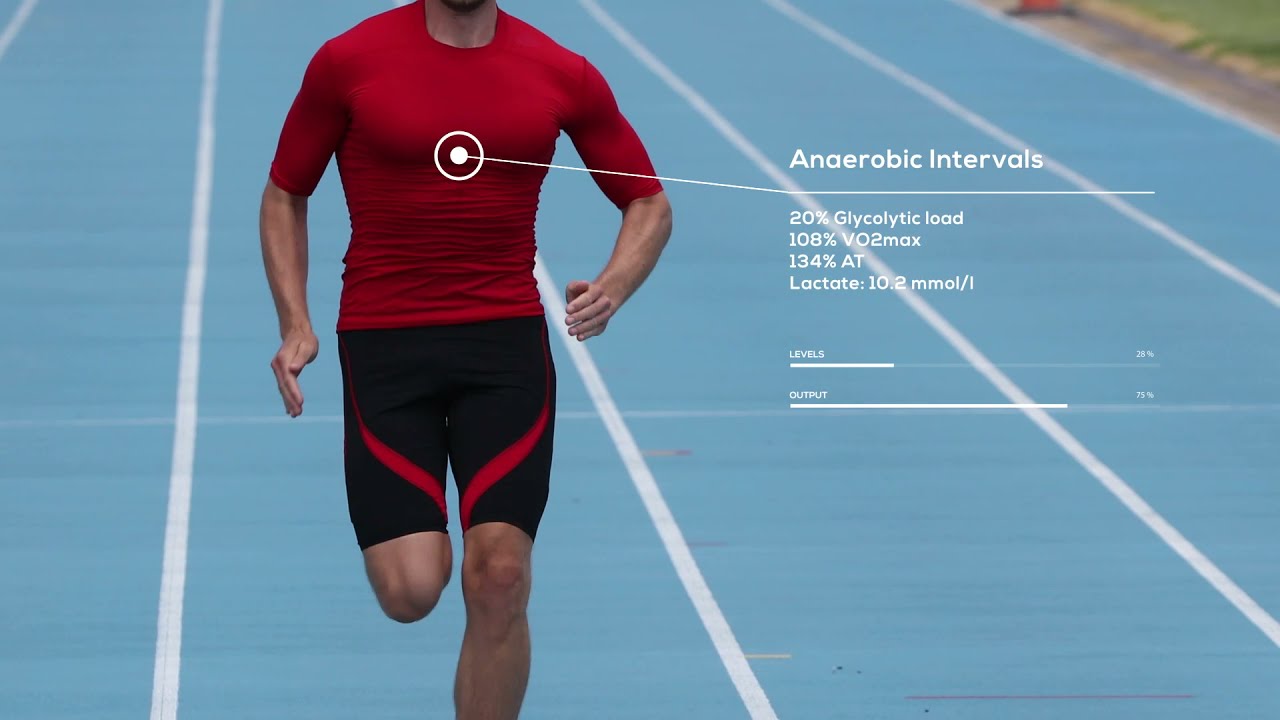
- Master physiological data — guided video tours on actual metabolic profiles (VO2max vs. VLamax, fat & carb combustion, lactate accumulation, body composition), explained personally by Sebastian Weber
- Review testing protocols — video walkthroughs and downloadable materials for Lactate and PPD testing
- AI-powered continuous learning — INSCYD surfaces articles, videos, courses, and guided tours relevant to how you use the platform
- Track your learning progress — courses completed, certificates, and badges earned
- Never miss a platform update — new features, launches, and opportunities from INSCYD
The dashboard is live in your account now. Log in and start customizing.
📌 Read the full Easter Launch article (Users Only): https://linkly.link/2ewdY 📌 Book a demo: https://inscyd.com/demo 📌 Website: https://inscyd.com
Welcome to the new customizable and personalizable INSCYD dashboard. My name is Sebastian Weber and I'm thrilled to give you a quick overview of what we built for you to improve your INSCYD experience.
This dashboard was made to accommodate all your different wishes and use cases, and to accommodate the needs of experienced INSCYD users, power users who have been using INSCYD for a long time, as well as new users. In this short video I'm going to give you a quick walk through of what functionality you will be able to find and how to use these functions.
At the very top you still find instant access. You have quick links to the most important features and functions, like the Athlete Performance Center where you find all your test results, the list of managed tests, the Training Zone Builder, and so on.
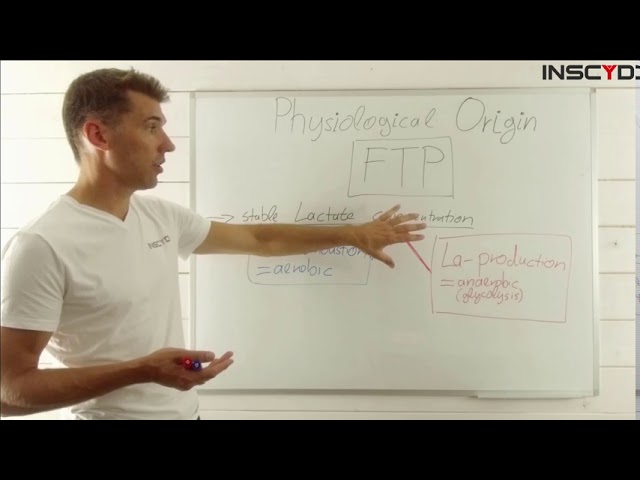
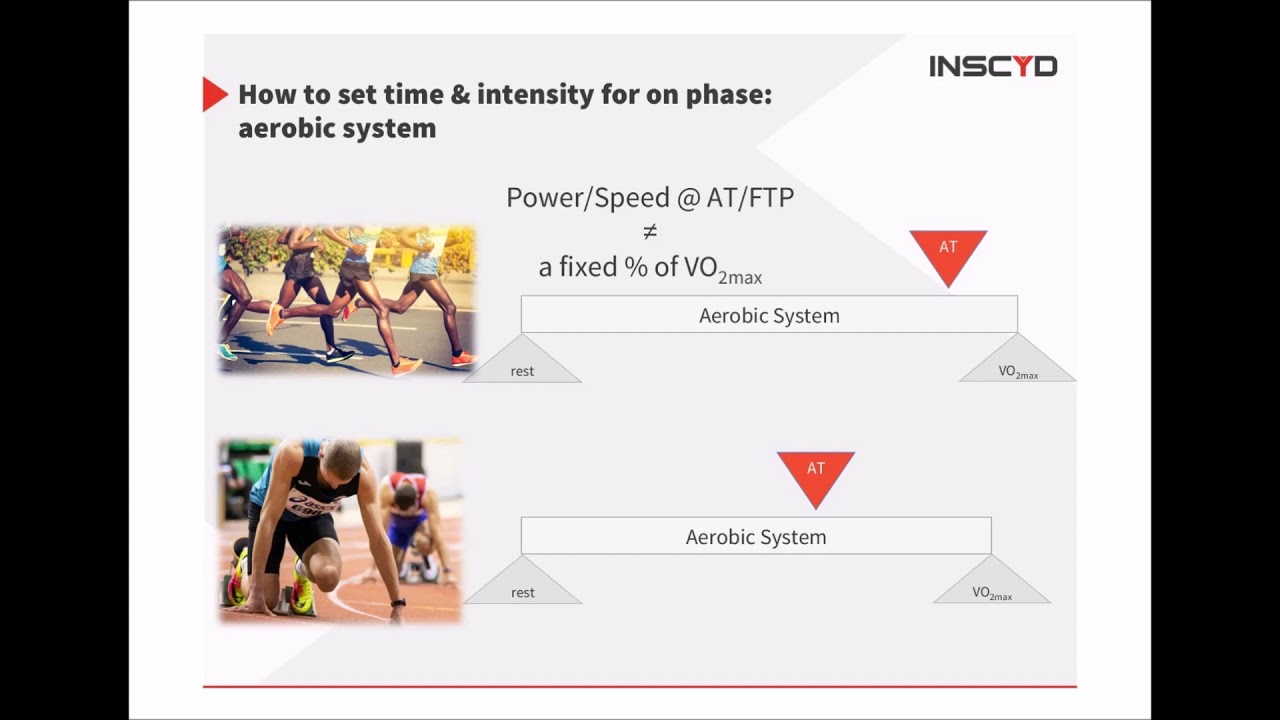
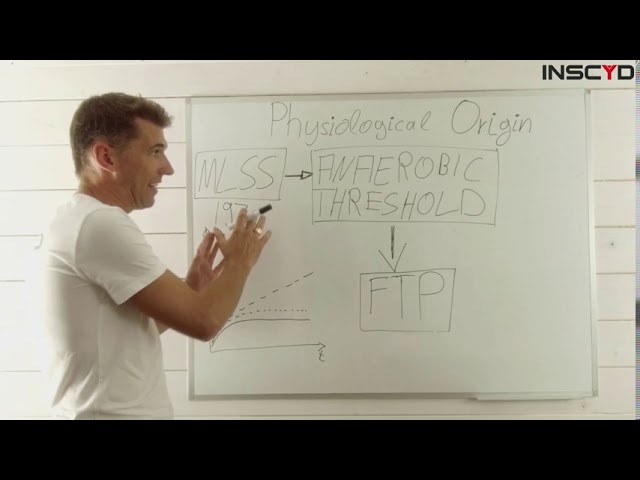
If you want to review or learn more about specific aspects of physiological testing, for example VO2max, VLamax, or the metabolic origin of the anaerobic threshold, also known as maximal lactate steady state, we have built this widget: Understanding Metabolic Profiles. You can select from a wide range of topics which cover the most important metrics you find in your INSCYD testing report, so all the metrics of the 360 metabolic profile.
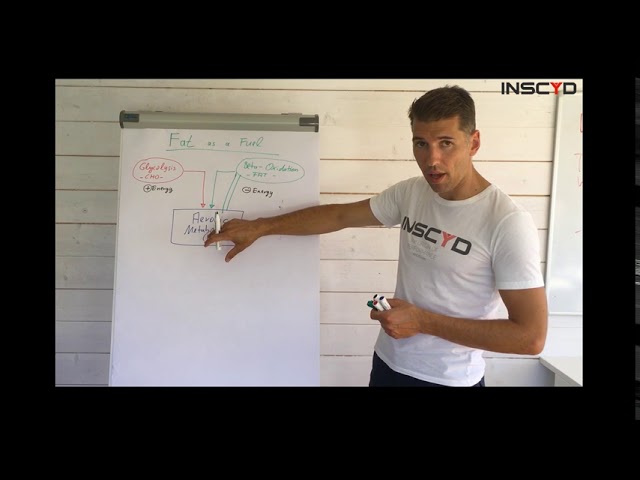
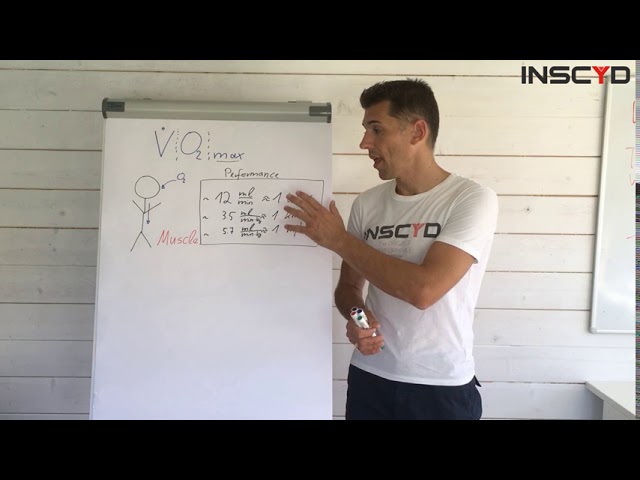
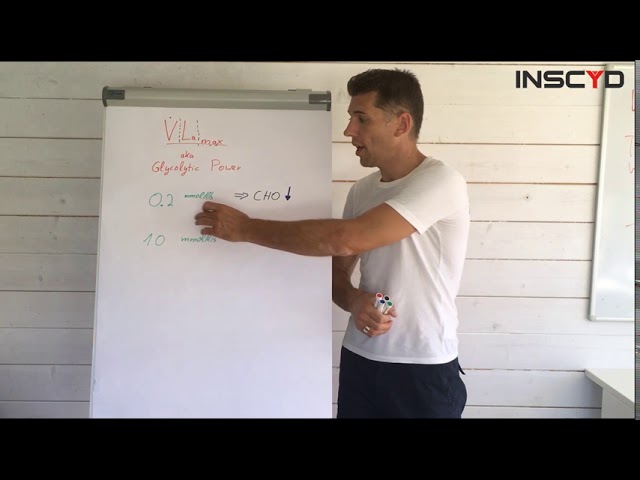
By selecting some of the use cases you can have me walk you through the physiological meaning and relevance of, for example, glycogen stores, fat and carbohydrate combustion, VO2max and VLamax, and how all these metrics are linked. So why and how, for example, a higher VO2max improves fat combustion. Just click on these and you will find example test data: example dashboards like the ones you create with your own testing, with me walking you through those data points and those physiological metrics.
You will also find a list of latest assessments. If you use INSCYD on a regular basis you might want to go directly to the latest test instead of navigating through the Athlete Performance Center. There was also a request to fast track to a specific page of the test, like the athlete card where you find all the results, all the load characteristics, or the training zones which you need more regularly to update training programs. Now you can use these quick links to jump directly to the page of your interest.
If you are new to INSCYD and you want to learn how to do a PPD test or a lactate test, or you want to review it because you are uncertain about a few steps in creating the test, or you want to review the best test protocol, this widget is for you. We created step-by-step guidance for both PPD and lactate testing. You will find three steps: how to capture data, how to enter the data, and processing the data. For every step there is a video where I walk you through everything you need to know about the testing.
You can jump directly to the chapters you are interested in, for example using body composition or how to sample lactate, and you can also find materials to download, for example Excel templates, protocols or other additional material. So no scrolling or searching the help center: everything you need for each chapter you can find directly here.
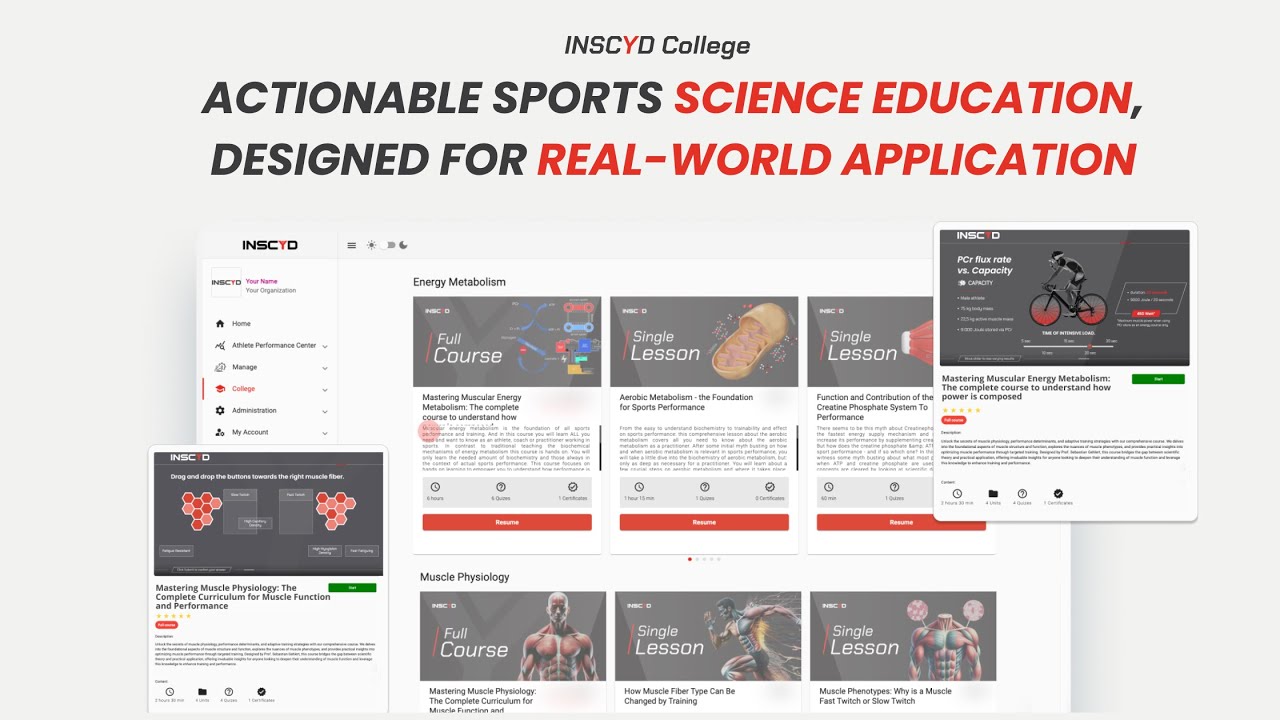
Back to our dashboard. The next function I would like to introduce is that you can view your college progress. If you are using the built-in e-learning hub, called INSCYD College, then you can track your progress and continue straight from here. If you haven't explored INSCYD College yet, I would recommend you do so.
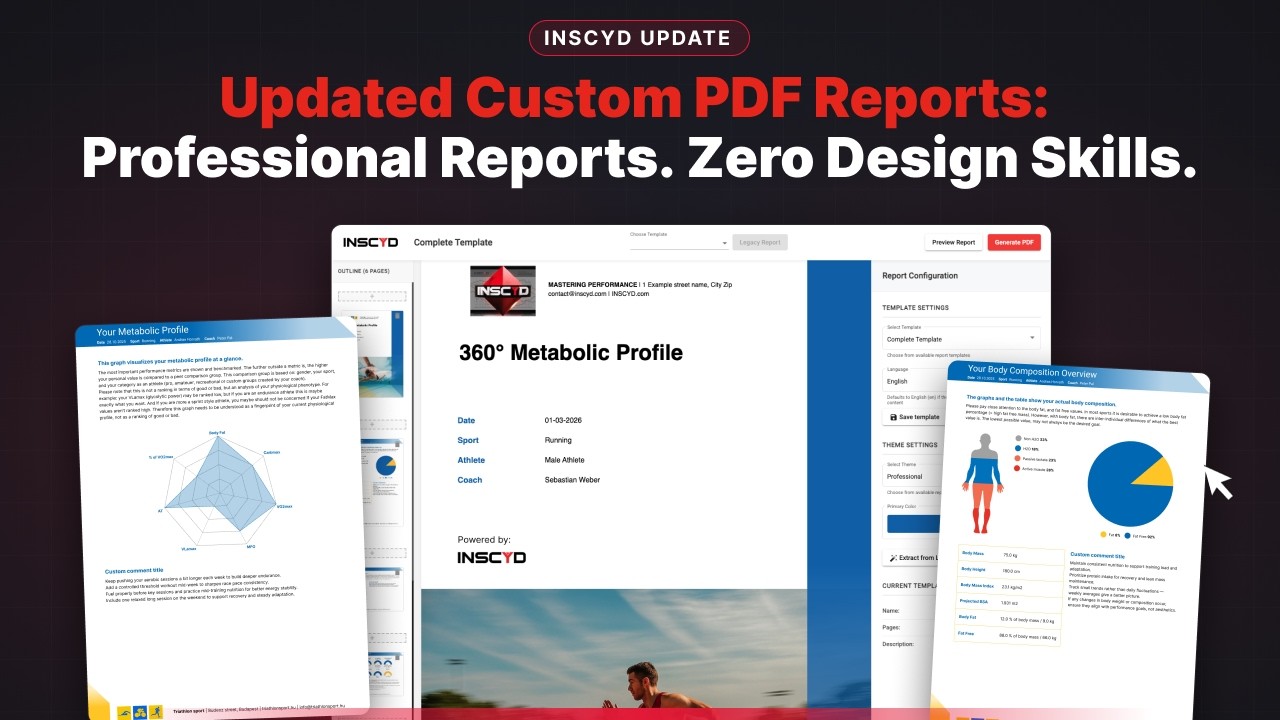
To stay updated, you can find the latest news on INSCYD: updates like this one, the new PDF reporting, new testing protocols, whatever news there is you can find it here.
We also have a table for athletes whose test was some time in the past and who might need attention. We want to bring to your attention athletes who would be worth retesting, because it is likely their training zones have changed, their values have changed, their VO2max has changed because of training, given the time since the latest test. You can use this table to email them directly from your INSCYD account, to invite them or give them a heads-up for a retest. If you have stopped working with an athlete, or the athlete is injured, or for any other reason, you can just hide them from this table.
Lastly, we have a part we call Picked For You. We built an engine that analyses what kind of actions you take in INSCYD, what sport you work in, what metrics you are interested in and what testing you do. Here we suggest blog posts, webinars, free college courses, features and functionalities that could be of interest to you, so you can get the most out of your INSCYD account.
Now, the best part: you can customize this dashboard to your needs. Use the Customize button up here. It allows you to hide certain widgets or content you are not interested in. For example, if you have been an INSCYD user for a long time and you don't need to review how to do a PPD test, just hide it. Or if you like a table but it takes up too much space on your dashboard, you can make it smaller.
And to improve the experience, you might be more interested in some tables and some information at the very top, so you can drag and drop and arrange all these different functions on your dashboard as you like. By doing so you can customize your dashboard with whatever information is of interest to you, sorted the way you like it best, so you can navigate directly and quickly to what is most important for you.
I sincerely hope that you like these new functions. They are all built on your request, on the request of our users, so thanks a lot for that. That enabled us to improve the experience. If there is something you miss, if there are additional features or functions you would have hoped to see, then please reach out. We would love to hear from you so that we can improve the experience even further. Thank you very much, and enjoy the new dashboard.

![[Tutorial] Training Zone Builder Update](https://cdn.prod.website-files.com/69fb420749df096c7fb865ef/69fdf1e0d26c1f6fe0d4c945_maxresdefault.jpeg)

![[Tutorial] Virtual Test & Performance Projection: Compare Training Outcomes in INSCYD](https://cdn.prod.website-files.com/69fb420749df096c7fb865ef/69fdf1e2a6495029773d8211_maxresdefault.jpeg)


![Create Training Plans Like Top Coaches [5 Steps]](https://cdn.prod.website-files.com/69fb420749df096c7fb865ef/69fdf1e491172a8381d183ad_maxresdefault.jpeg)